
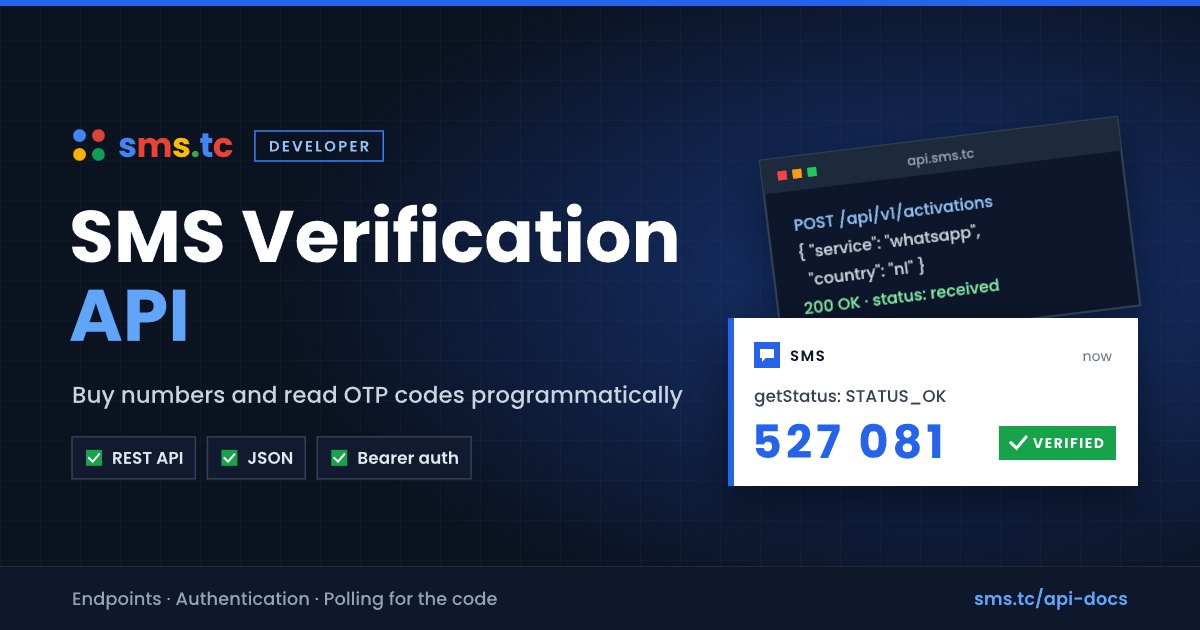
Quick answer: An SMS verification API lets your software buy a virtual phone number, wait for the verification SMS, and read the code automatically. The sms.tc SMS verification API offers two interfaces: a JSON REST API at
https://sms.tc/api/v1(list offers, buy numbers, read the code, catalog, rentals) and an SMS-Activate-compatible endpoint athttps://sms.tc/stubs/handler_api.php. Both use the API key from your sms.tc profile and charge your account balance in USD.
What Is an SMS Verification API?
An SMS verification API is a programmatic way to do what you would otherwise do by hand on the SMS Activation page: choose a service and country, get a number, and receive the one-time code. Typical use cases include QA teams testing their own sign-up flows, developers building internal tools, and resellers who already use SMS-Activate-style software and want to point it at another provider.
sms.tc is a multi-provider aggregator: one API gives you numbers from several upstream providers, with sms.tc pricing applied.
Two Interfaces: REST vs. SMS-Activate Compatible
| REST API | SMS-Activate compatible API | |
|---|---|---|
| Base URL | https://sms.tc/api/v1 |
https://sms.tc/stubs/handler_api.php |
| Authentication | Authorization: Bearer <key> or X-Api-Key: <key> |
?api_key=<key> query parameter |
| Format | JSON, {"data": ...} envelope |
Plain-text tokens, JSON for V2/list actions |
| Best for | New integrations, catalog and offers | Existing SMS-Activate clients, reading codes |
The REST API covers the whole flow (offers, buying, reading the code). The compatible endpoint is useful when you already have an SMS-Activate client.
Step 1: Get Your API Key
- Create a free account at sms.tc and add a balance.
- Open Profile, API and generate a key. It is shown only once - store it securely.
- Optionally restrict the key to specific IP addresses and set an expiry date. Regenerating a key revokes the old one.
Step 2: Find Service and Country Codes
sms.tc uses SMS-Activate canonical codes: services are short codes (for example tg for Telegram, wa for WhatsApp, ig for Instagram) and countries are numeric IDs. Fetch the current lists instead of hard-coding them:
curl https://sms.tc/api/v1/catalog/services -H "Authorization: Bearer YOUR_API_KEY"
curl https://sms.tc/api/v1/catalog/countries -H "Authorization: Bearer YOUR_API_KEY"
curl https://sms.tc/api/v1/catalog/prices -H "Authorization: Bearer YOUR_API_KEY"
Step 3: Check Offers
GET /api/v1/activations/offers returns available numbers grouped by service and country, with prices, counts, a price map, and a rate field (the share of sms.tc's own settled activations that received an SMS, or null when there is not enough data). Filter with the services and countries query parameters:
curl "https://sms.tc/api/v1/activations/offers?services=tg&countries=6" \
  -H "Authorization: Bearer YOUR_API_KEY"
For a per-provider breakdown (provider, operator, stock, price, rate), call GET /api/v1/activations/offers/providers?service=tg&country=6.
Step 4: Buy a Number
curl -X POST https://sms.tc/api/v1/activations \
  -H "Authorization: Bearer YOUR_API_KEY" \
  -H "Content-Type: application/json" \
  -d '{"service":"tg","country":6}'
Required fields are service and country; optional fields are operator and maxPrice (upper price limit in USD). A successful purchase returns HTTP 201:
{
  "data": {
    "activationId": "123456",
    "phoneNumber": "628712345678",
    "activationCost": 0.1,
    "currency": 840,
    "countryCode": 6,
    "countryPhoneCode": 62,
    "canGetAnotherSms": true,
    "activationTime": "2026-10-11T10:00:00+00:00",
    "activationEndTime": "2026-10-11T10:20:00+00:00",
    "activationOperator": "any",
    "status": "pending",
    "smsCode": null
  }
}
Step 5: Read the Verification Code
Poll GET /api/v1/activations/{id} every 5 seconds or so. When the SMS arrives, status becomes received and smsCode contains the code:
curl https://sms.tc/api/v1/activations/123456 -H "Authorization: Bearer YOUR_API_KEY"
{ "data": { "activationId": "123456", "status": "received", "smsCode": "527081" } }
If you already use an SMS-Activate client, you can poll getStatus on the compatible endpoint instead:
curl "https://sms.tc/stubs/handler_api.php?api_key=YOUR_API_KEY&action=getStatus&id=123456"
| Response | Meaning |
|---|---|
STATUS_WAIT_CODE |
Waiting for the SMS |
STATUS_OK:12345 |
Code received - the code follows the colon |
STATUS_WAIT_RETRY:12345 |
Waiting for another SMS after a retry |
STATUS_CANCEL |
Activation cancelled or expired |
Use action=getStatusV2 if you prefer JSON with the full SMS text. Poll every 5 seconds or so; codes usually arrive within 10-60 seconds.
Step 6: Complete or Cancel
Call action=setStatus with status=6 to complete the activation, status=3 to request another SMS, or status=8 to cancel and refund. Cancelling an activation that received no SMS returns the cost to your balance. Some providers enforce a minimum hold time, in which case cancel returns EARLY_CANCEL_DENIED until it passes.
Error Handling
The REST API returns JSON {"title", "details"} with an HTTP status; the compatible endpoint returns plain-text tokens with HTTP 200.
| Code | Where | Meaning |
|---|---|---|
401 Unauthenticated / NO_KEY, BAD_KEY |
Both | Key missing, invalid, expired, or IP not allowed |
403 NO_BALANCE / NO_BALANCE |
Both | Insufficient balance |
404 NO_NUMBERS / NO_NUMBERS |
Both | No stock for this service and country |
404 WRONG_SERVICE, WRONG_COUNTRY |
REST | Unknown service or country code |
404 OFFER_NOT_FOUND |
REST | No offers match the filter |
422 UNPROCESSABLE |
REST | Validation failed (see errors) |
429 RATE_LIMIT |
REST | Too many requests; respect Retry-After |
Requests are rate-limited per account, with stricter limits on purchase endpoints. The full reference, including email activations and the rent endpoints (/rent/offers, POST /rent, /rent/{id}, /rent/{id}/prolong), is on the API documentation page, with a downloadable OpenAPI specification. There is no official SDK; any HTTP client works, and existing SMS-Activate clients only need the base URL and key changed.
Use the API Responsibly
Use the SMS verification API to test your own products or to serve customers who verify their own accounts. Do not use it to mass-create accounts, send spam, or bypass platform rules such as one-account-per-person policies.
Related: what SMS verification is and how to receive SMS online.
Frequently Asked Questions
What is the sms.tc SMS verification API?
The sms.tc SMS verification API is a REST and SMS-Activate-compatible interface for buying virtual numbers and reading verification codes programmatically. It uses your sms.tc balance and an API key from your profile.
How do I authenticate with the sms.tc API?
The sms.tc REST API accepts the key in an Authorization: Bearer header or an X-Api-Key header. The SMS-Activate-compatible endpoint reads the key from the api_key query parameter.
Is the sms.tc API compatible with SMS-Activate software?
Yes. The sms.tc endpoint at /stubs/handler_api.php mirrors the SMS-Activate protocol, including getNumber, getStatus, setStatus, and getBalance, so existing SMS-Activate clients work after changing the base URL and API key.
How do I get the SMS code through the API?
The sms.tc REST API returns the code in the smsCode field of GET /api/v1/activations/{id} once status is received. SMS-Activate clients can use getStatus (STATUS_OK:<code>) on the compatible endpoint instead. Poll every few seconds until the code arrives.
Am I charged if no SMS arrives?
No. If no SMS arrives, cancel the activation with setStatus status 8 or cancelActivation, and sms.tc refunds the cost to your balance. Timed-out activations are refunded automatically.
Which currency does the sms.tc API use?
The sms.tc API uses US dollars (ISO 4217 code 840) for all prices and balances.
Is there an official sms.tc SDK?
No. The sms.tc API is plain HTTP with JSON or plain-text responses, so any HTTP client in any language works. An OpenAPI specification is available on the API documentation page.
Key Takeaways
- The sms.tc SMS verification API has a REST interface and an SMS-Activate-compatible endpoint.
- Buy with
POST /api/v1/activations, readsmsCodefromGET /api/v1/activations/{id}, finish or cancel withsetStatuson the compatible endpoint. - Use catalog endpoints to discover service and country codes.
- Cancelled or timed-out activations without an SMS are refunded.
Create your sms.tc account and get an API key - then read the full API docs.